GET STARTED WITH THE PLAYTOMIC APP
HOW TO BOOK
To book yourself onto one of our courts, you’ll need to use the Playtomic app. Below is a step-by-step guide to downloading and using the app.
Already have the app? Click the button here to be taken to our Playtomic page!
FIND ‘PLAYTOMIC’
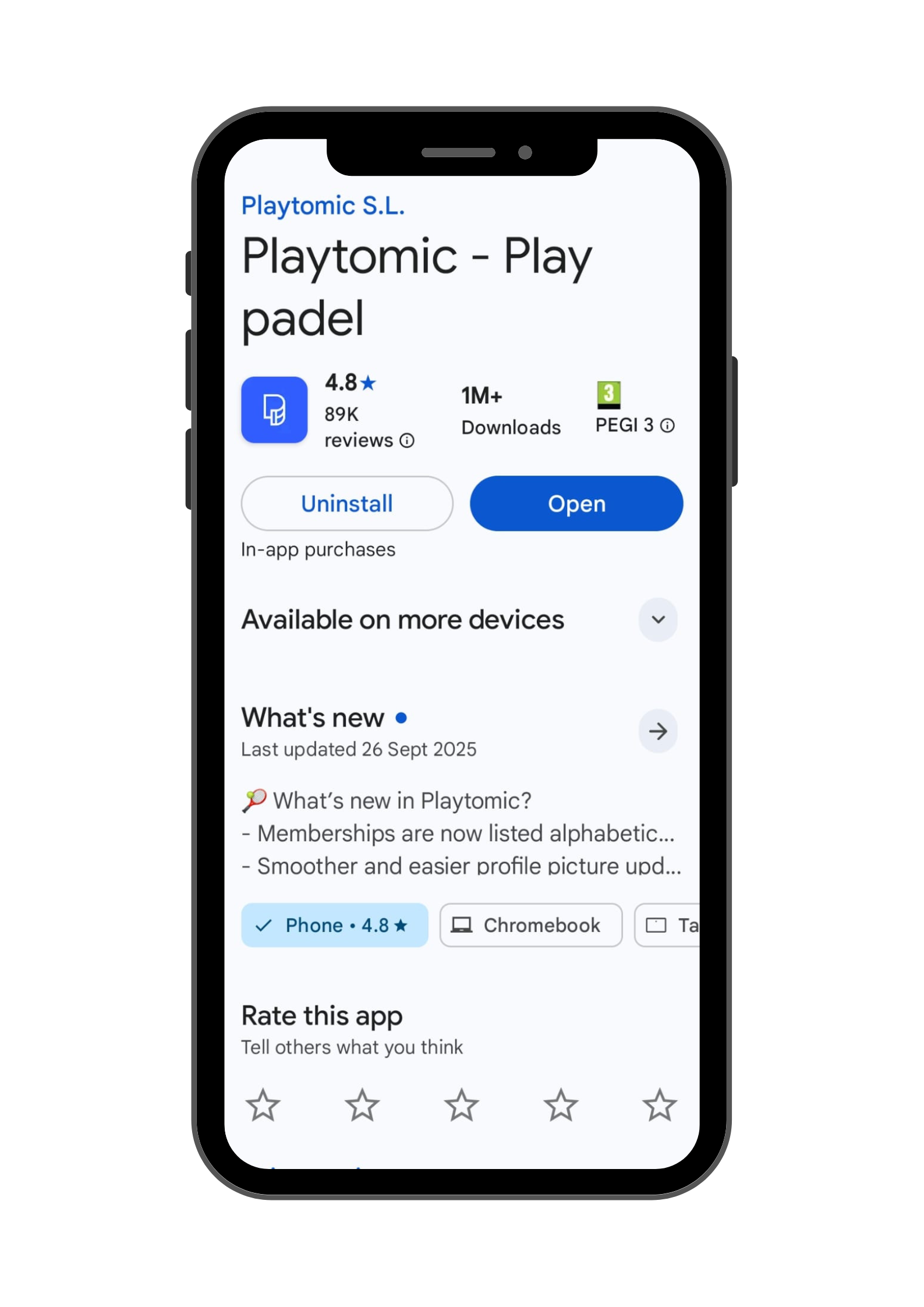
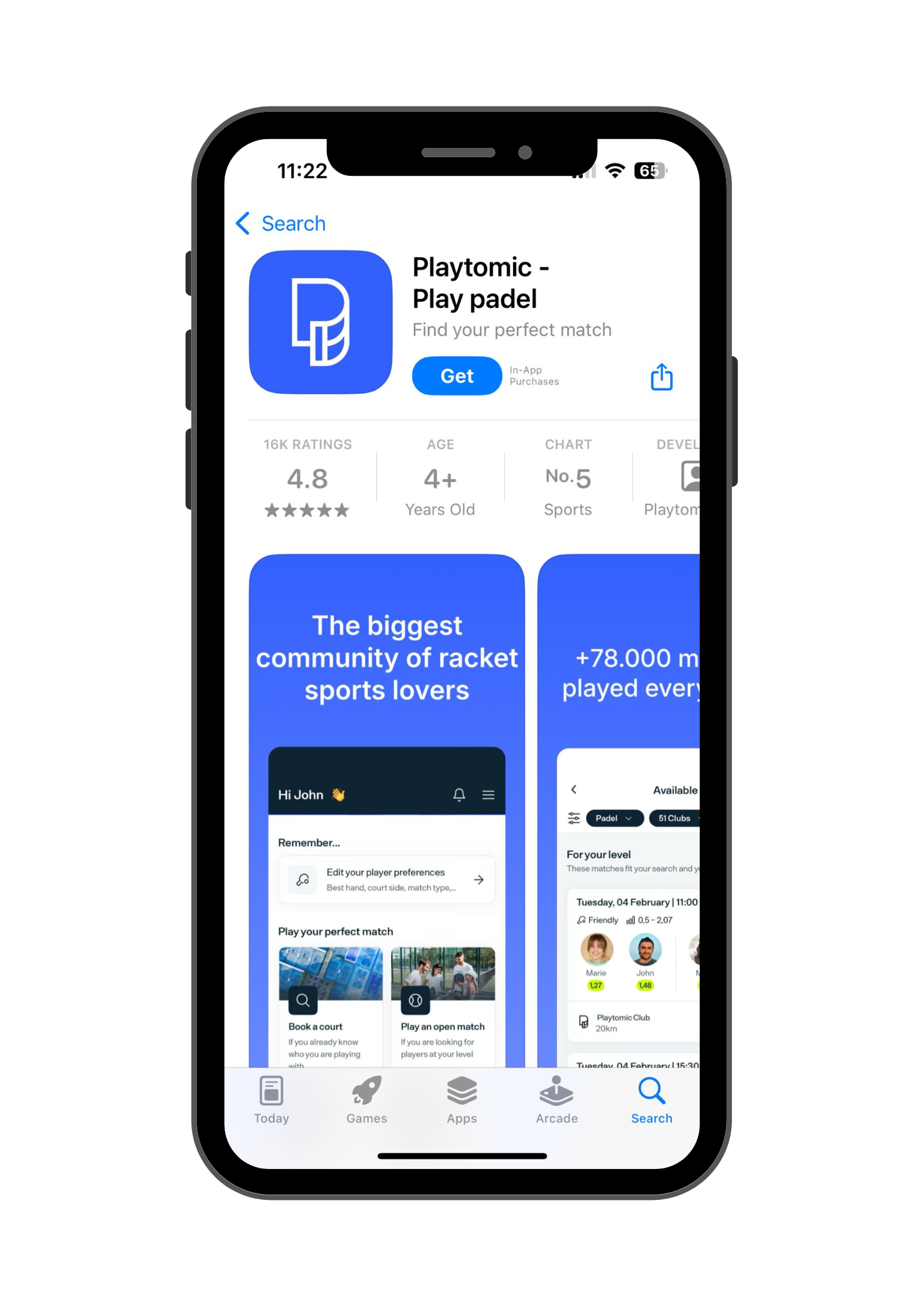
Look for ‘Playtomic’ in the Google Play Store or App Store on your Android or iOS device, then download/install.
REGISTER
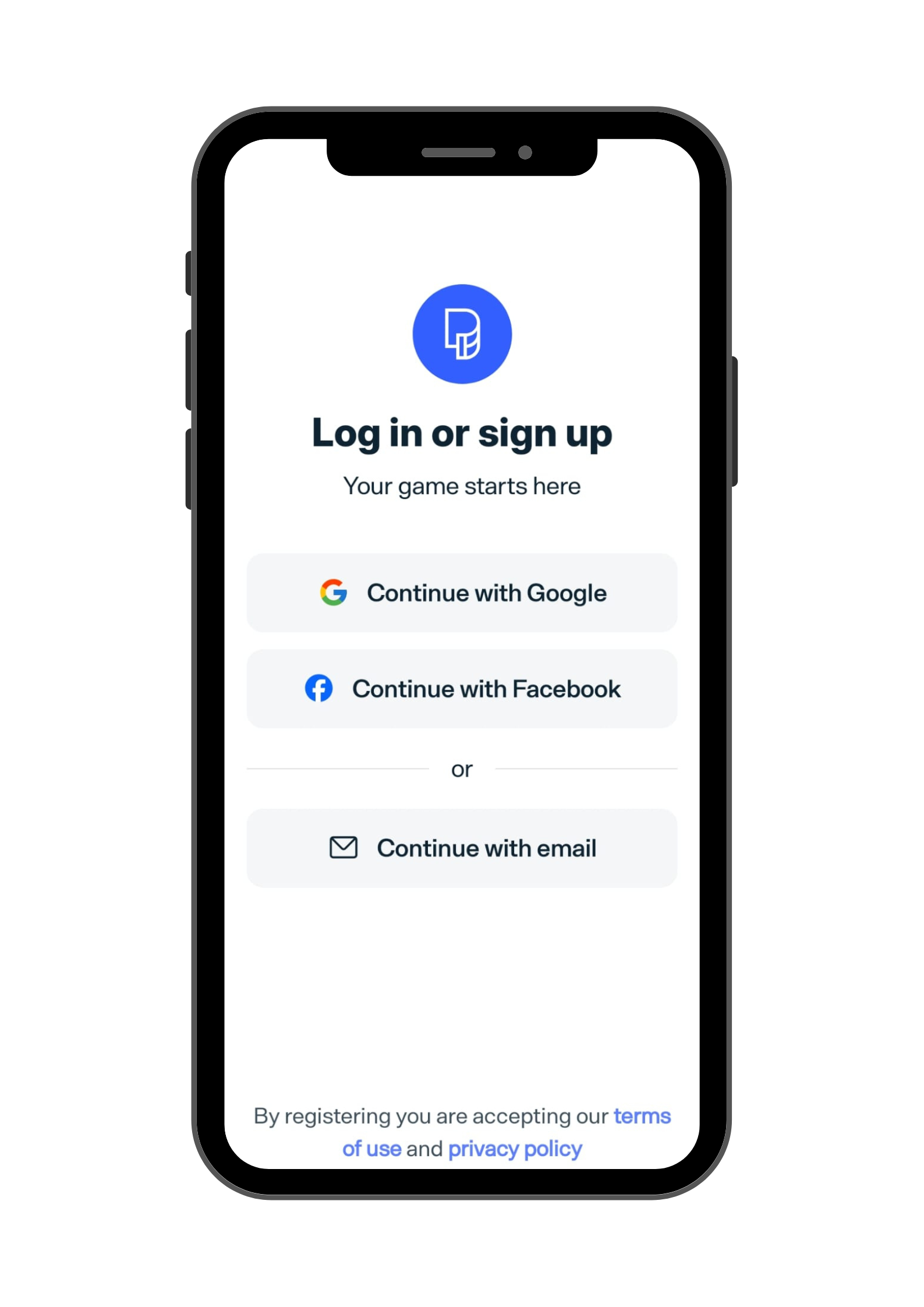
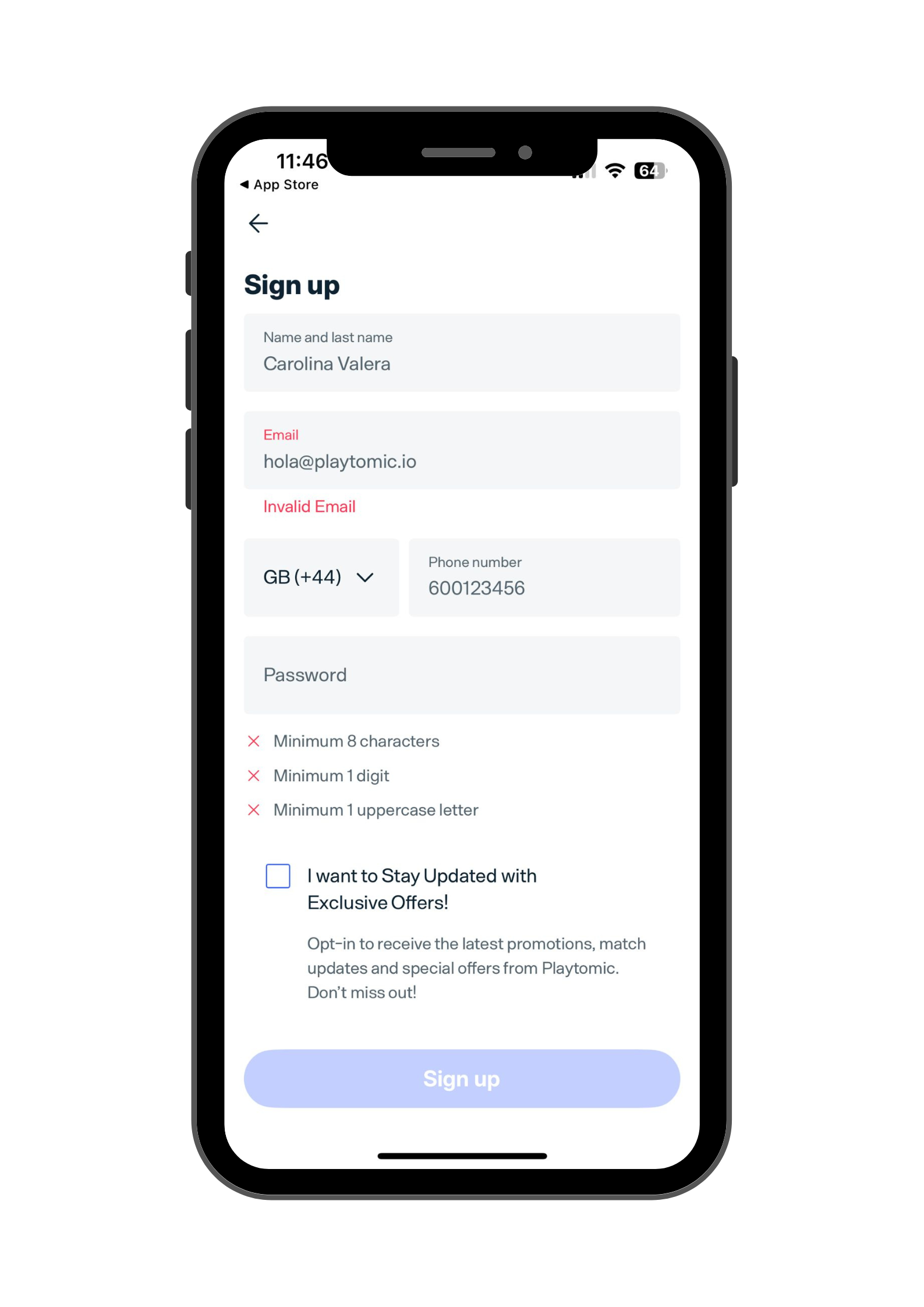
Once downloaded, open the app, use your Apple, Google, or Facebook account, or any preferred email, and fill out the registration form with your name, phone number and a chosen password.
BOOK A COURT
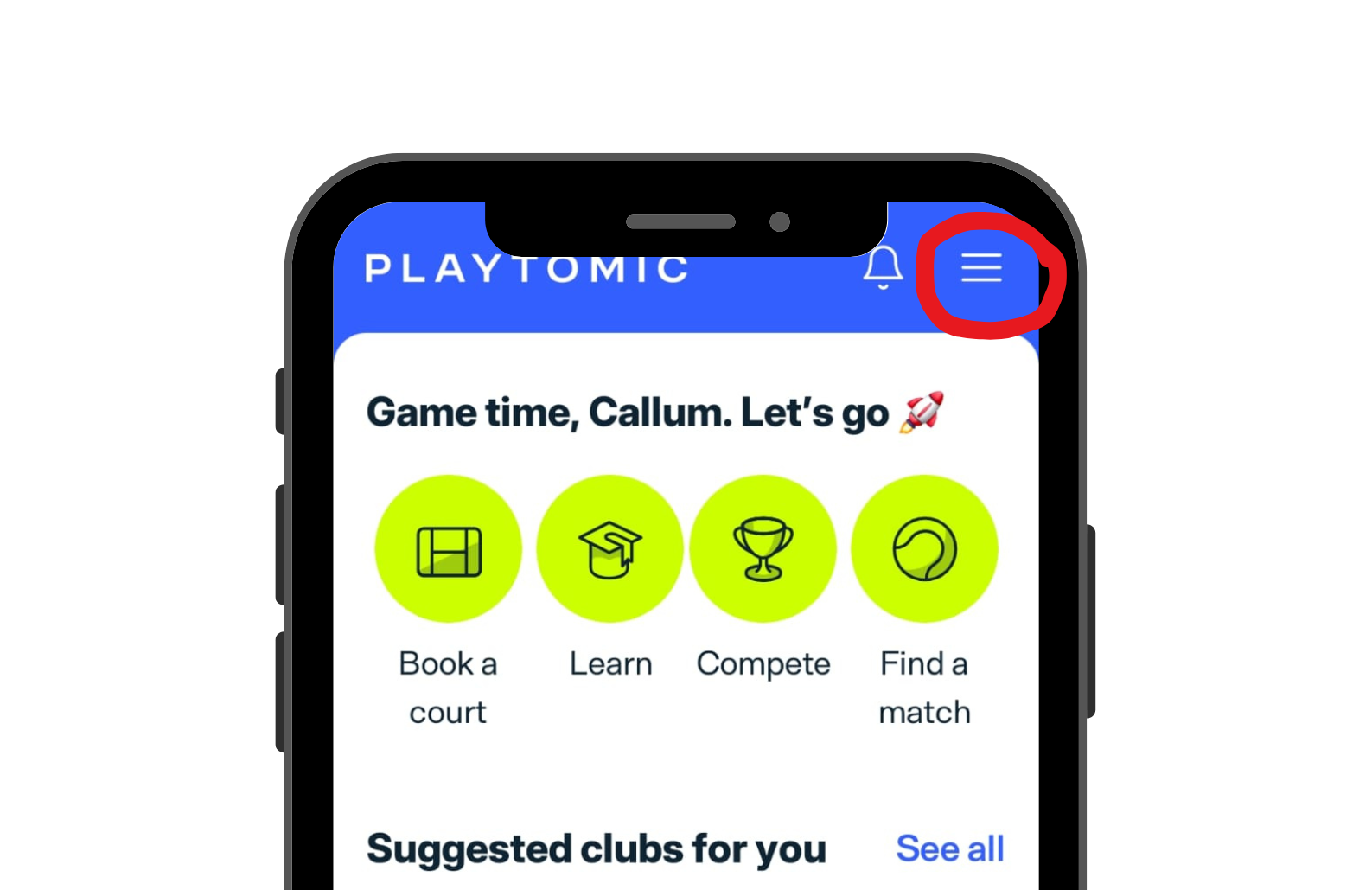
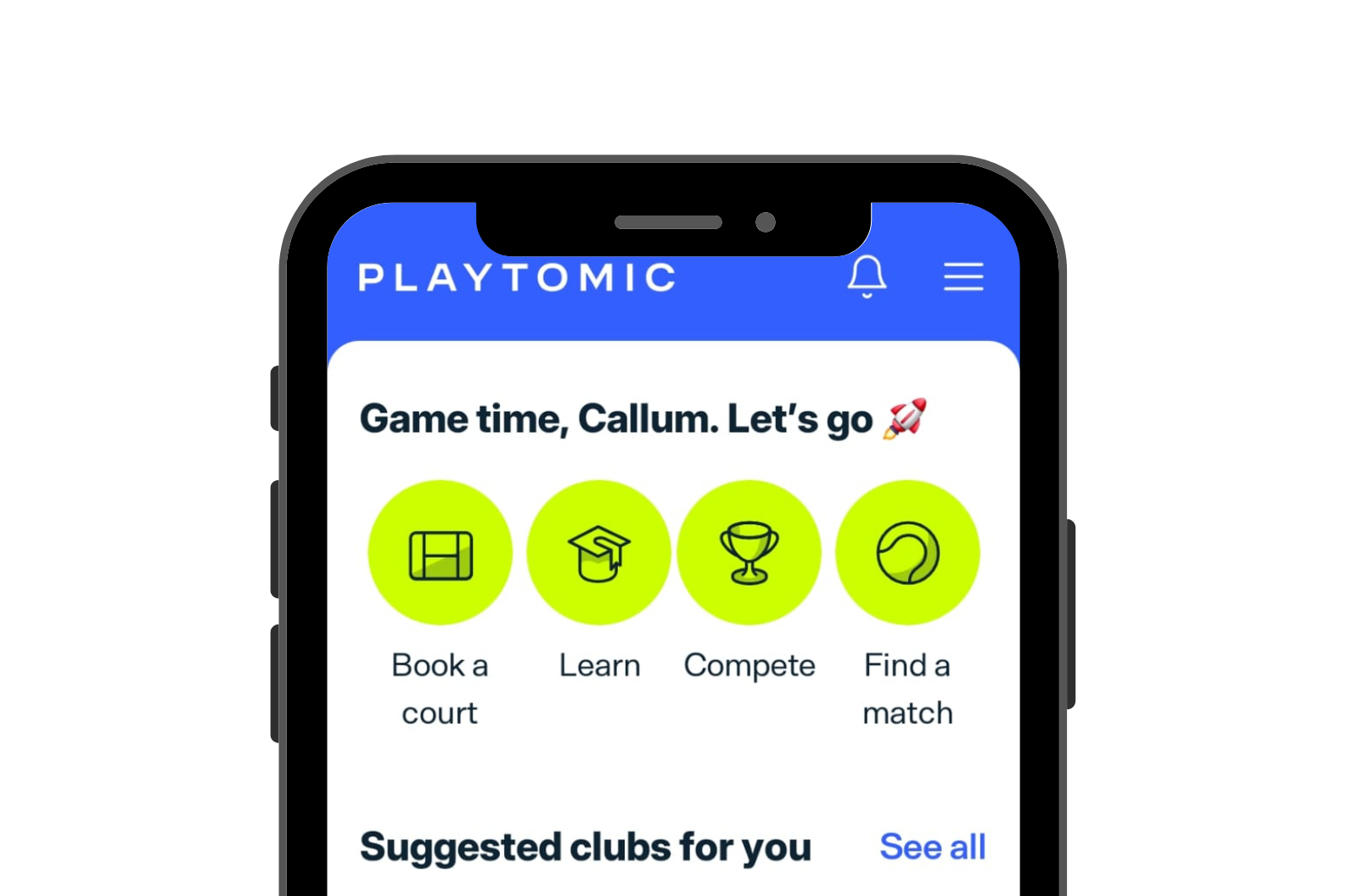
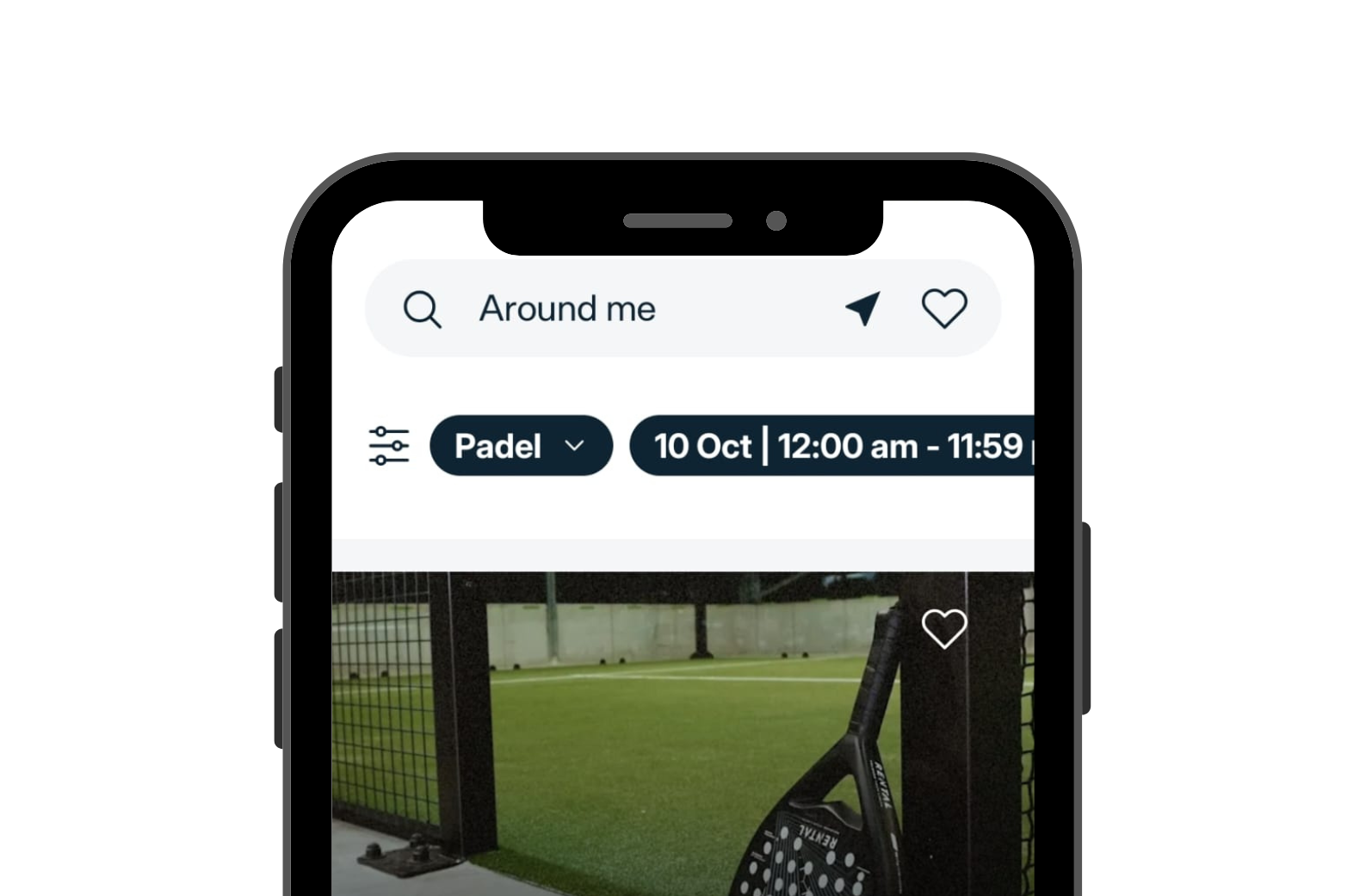
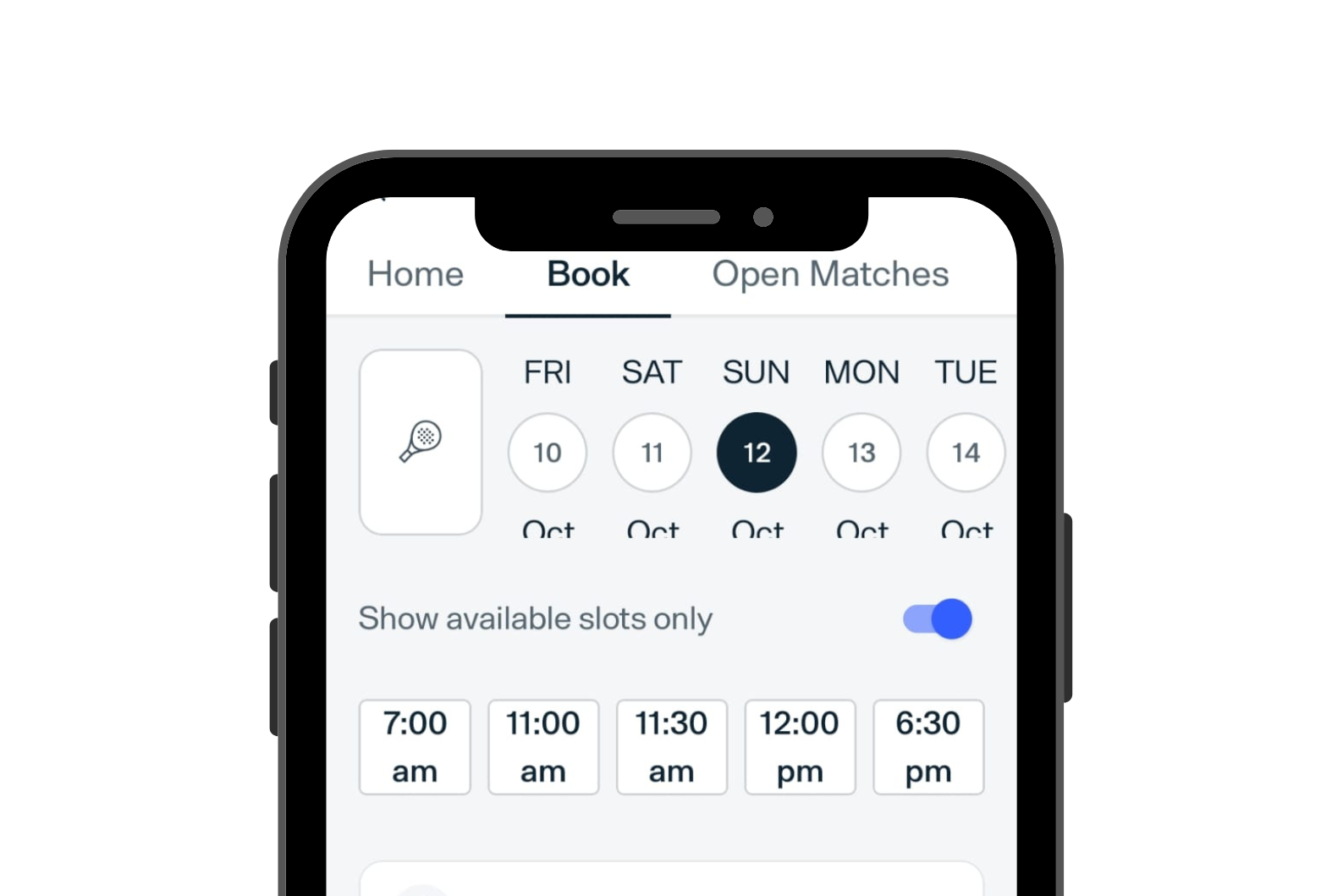
Once you have completed registration, open the Playtomic app and select ‘Book a Court’ from the homepage. Find and select the court you would like to book. Pick the best day and time that works for you. You will be prompted to enter your card details for the booking fee, so make sure you have them on hand!
CANCEL A BOOKING
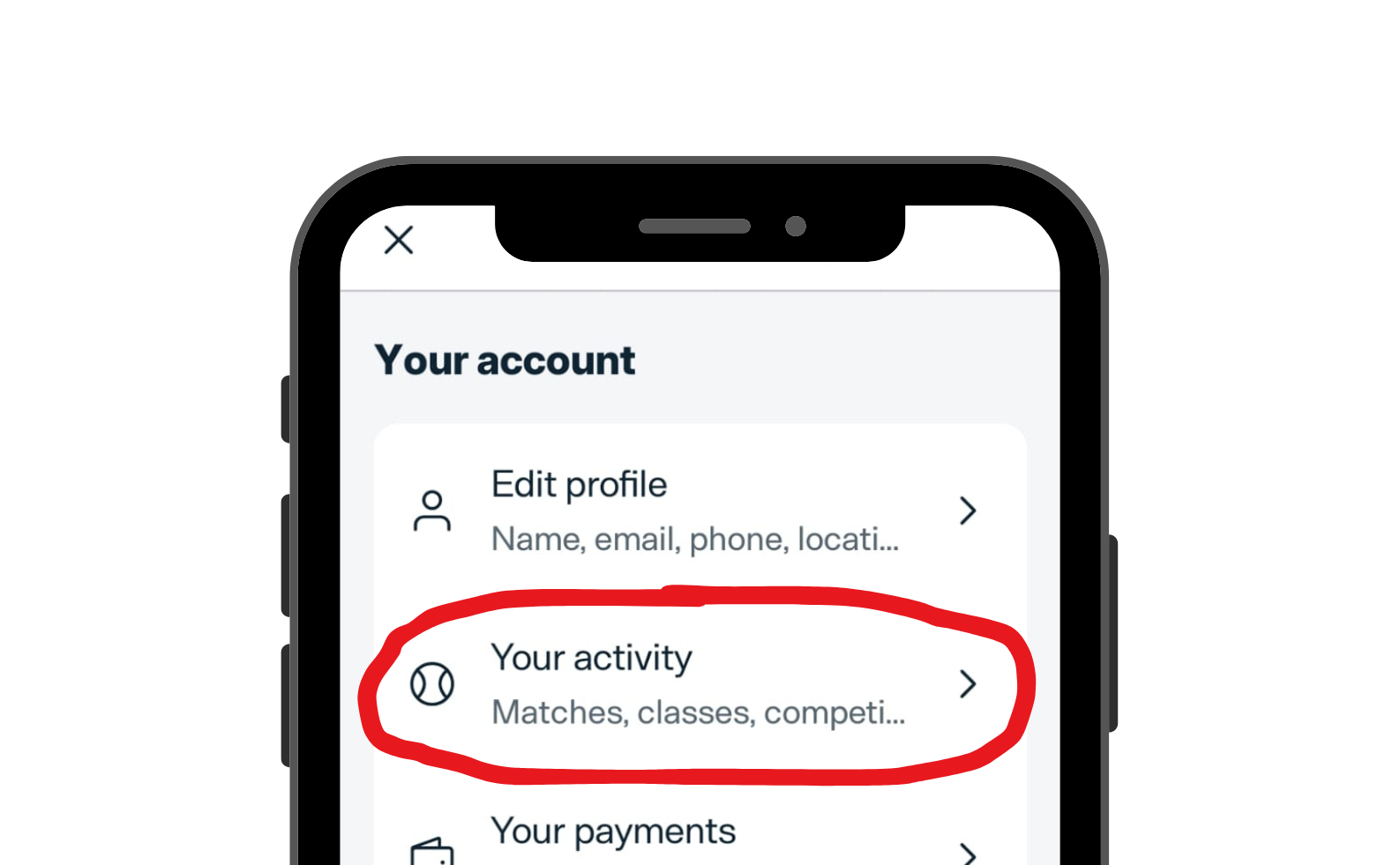
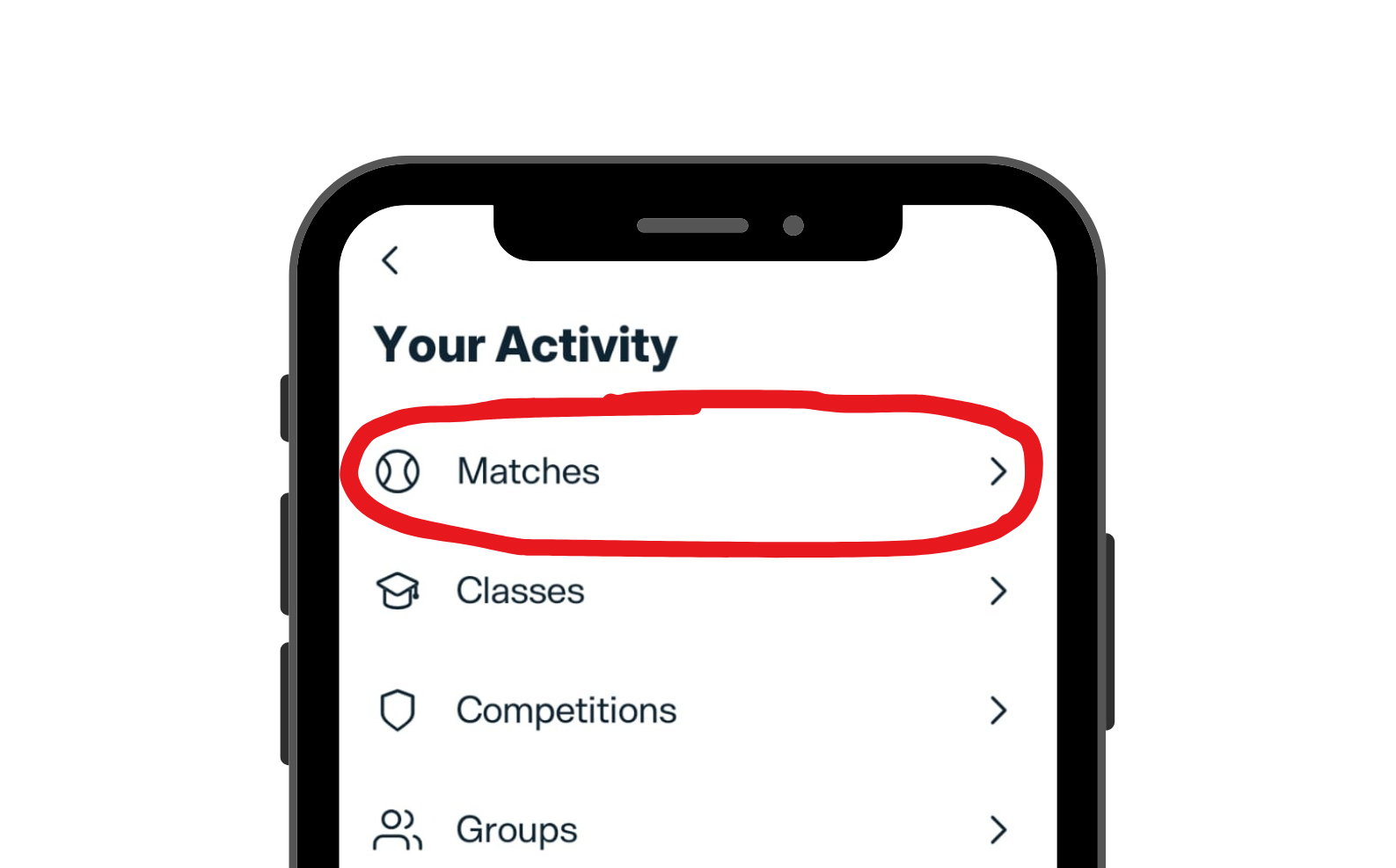
To cancel a booking, select the utility icon found on the top-right corner of the homepage. Go to ‘Your Activity’ and select ‘Matches’. Once there, you should be able to see any upcoming bookings and cancel them.